
Medical Practice Website Design: A Checklist for Solo Physicians
Your website is often the first person a patient meets. If that first meeting is confusing or clunky, they might never make it to the exam room. Here’s a practical blueprint for solo physicians who want a digital presence that works as hard as they do.
As a solo physician, you are the brand, not a department in a large hospital system. Your site needs to answer three questions in the first five seconds: who are you, what do you treat, and how do I book. A dedicated page per service, fast mobile load times, and clear insurance information do more for conversion than any animation.
Key takeaways
- You are the brand, not a hospital system. Patients are looking for you specifically, so your site should feel personal and authoritative at the same time.
- Above the fold needs to answer three questions fast. Who are you, what do you treat, and how do I book, all within the first five seconds.
- One service, one page. Dedicated service pages help both patients and search engines find exactly what they’re looking for.
- Transparency about insurance builds trust. Nothing frustrates a patient more than discovering you’re out of network after 20 minutes of research.
- Technical health is not optional. Mobile responsiveness, load speed, and accessibility directly affect whether patients ever reach your booking page.
It is 9 PM on a Tuesday. You just finished your last chart and the office is quiet. You finally have a moment to look at your own website. You click through a few pages on your phone and realize something. It is hard to find the phone number. The booking link takes three clicks to load. The bio page has a photo of you from residency that does not quite capture who you are today. You are a solo private practice owner, which means you are the CEO and the Chief Medical Officer and the IT department all at once.
Your website is often the first person a patient meets. If that first meeting is confusing or clunky, then they might never make it to the exam room. Effective medical practice website design is not about flashy animations or high-end stock photos of people laughing while eating salad. It is about reducing the friction between a person in need and the care you provide.
This guide is a practical blueprint for solo physicians who want a digital presence that works as hard as they do. We are going to skip the marketing jargon and get straight to the things that actually move the needle for your practice.
Why solo practice design is a different game
Most medical website advice is written for large hospitals or multi-specialty groups. Those sites are built to manage thousands of pages and complex department hierarchies. As a solo physician, your needs are different. You are the brand. People are not just looking for “a doctor.” They are looking for you.
Your website needs to feel personal and authoritative at the same time. It should reflect your specific care philosophy and make the logistics of being your patient incredibly easy. If your site feels like a corporate health system template, you might be accidentally scaring away the very people who want a more personalized solo practice experience.
The “above the fold” essentials
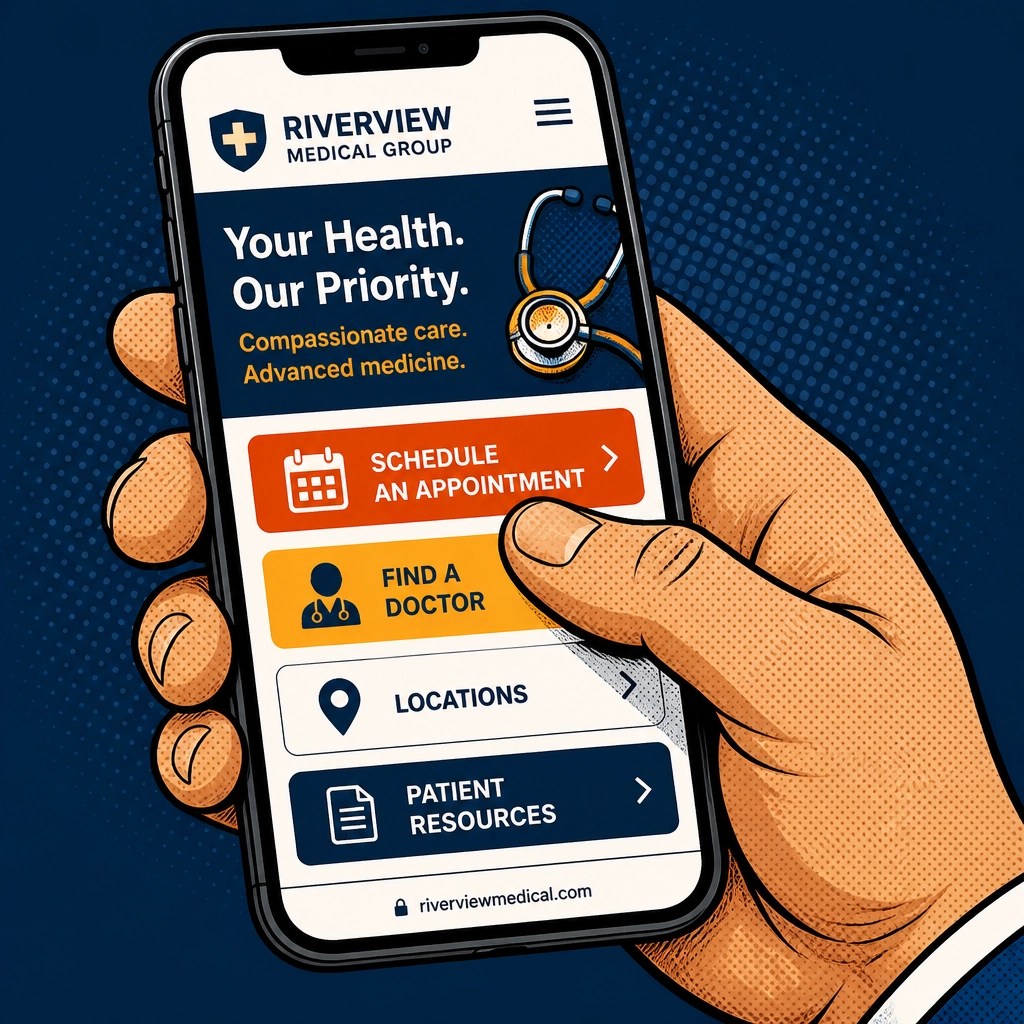
In web design, the term “above the fold” refers to everything a visitor sees before they start scrolling. For a medical practice website design to be successful it must answer three questions in the first five seconds. Who are you? What do you treat? How do I book?
Clear specialty and location
Do not make people guess. Your name and your specific specialty should be the most prominent text on the page. If you are an endocrinologist in Austin, say exactly that.
A professional and warm photo
Patients want to see the person they will be sharing their health history with. Use a high-quality headshot that feels approachable. Avoid the “white coat against a gray wall” look if it does not match your practice vibe. A photo in your actual office can build much more trust.
The primary call to action
There should be one obvious button for new patients to click. “Book an Appointment” or “Request a Consultation” works best. Make it a color that stands out from the rest of the page, like a bright orange or amber.
Our website design services for physicians are built around these exact principles.
Mapping the patient journey
Think about the last time you were a patient. You were probably worried or in pain or just really busy. You wanted information fast. Your website navigation should be literal and boring. This is not the place for creative menu titles. Use a simple structure: About (your background and care philosophy), Services (what conditions you treat and how), Patient Resources (forms and insurance info), and Contact (how to find you and where to park).
Every service you provide should ideally have its own page. If you are a dermatologist, you should have separate pages for acne treatment and skin cancer screenings. This is better for the patient and it is much better for search engines.
To learn how search engines find your practice, explore our SEO services for medical practices.

Building trust through content
Solo physicians have a unique advantage. You can speak directly to your patients without a marketing department filtering your voice. Use that.
The “Meet the Doctor” page
This is often the second most visited page on a medical site. Patients want to know where you went to school, but they also want to know why you do what you do. Share a bit about your care philosophy. If you practice neurodiversity-affirming care or focus on culturally responsive medicine, mention that clearly. It helps the right patients find you.
Insurance and pricing
Transparency is a major trust builder. If you are a cash-pay or concierge practice, be upfront about it. If you take insurance, list the major plans. Nothing is more frustrating for a patient than spending twenty minutes researching a doctor only to find out they are out of network at the very last step.
The technical health of your site
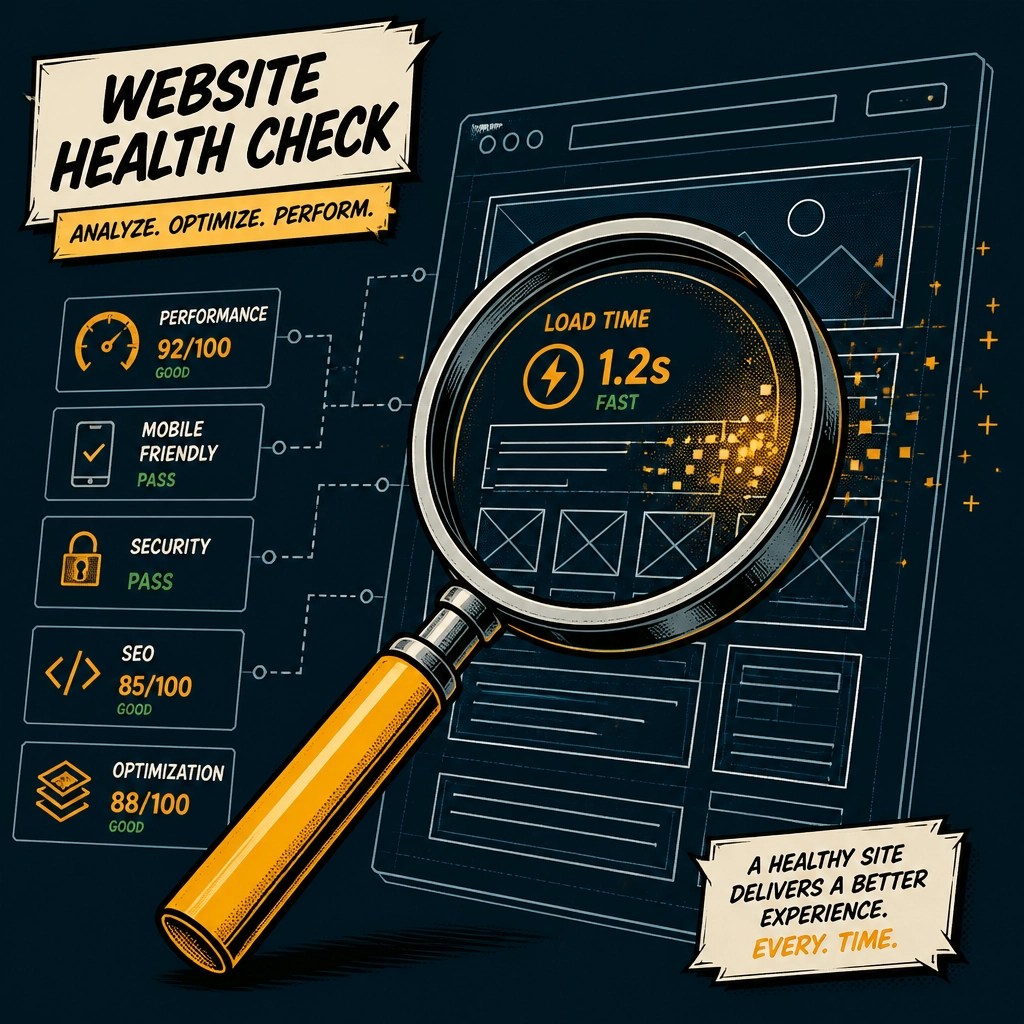
You would not ignore a patient with a high fever, so do not ignore a website with technical issues. These factors impact both the user experience and your ranking in search results.
Mobile responsiveness
Most of your patients are looking for you on their phones while they are in line at the grocery store or sitting in their car. If your site does not look good on a small screen, you are losing patients. The buttons need to be large enough to tap and the text must be easy to read without zooming.
Site speed
If your site takes more than three seconds to load, many people will just click away. Large unoptimized photos are usually the culprit here. Keep things light and fast.
Accessibility and inclusion
Medical practice website design must be accessible to everyone. This includes patients with visual impairments or those who use screen readers. Ensure your site has high color contrast and that all images have descriptive alt text. It is not just about compliance. It is about making sure every person in your community can access your care.
For inspiration on what a well-built practice site looks like, see our therapy and medical website examples.
Local SEO: getting found
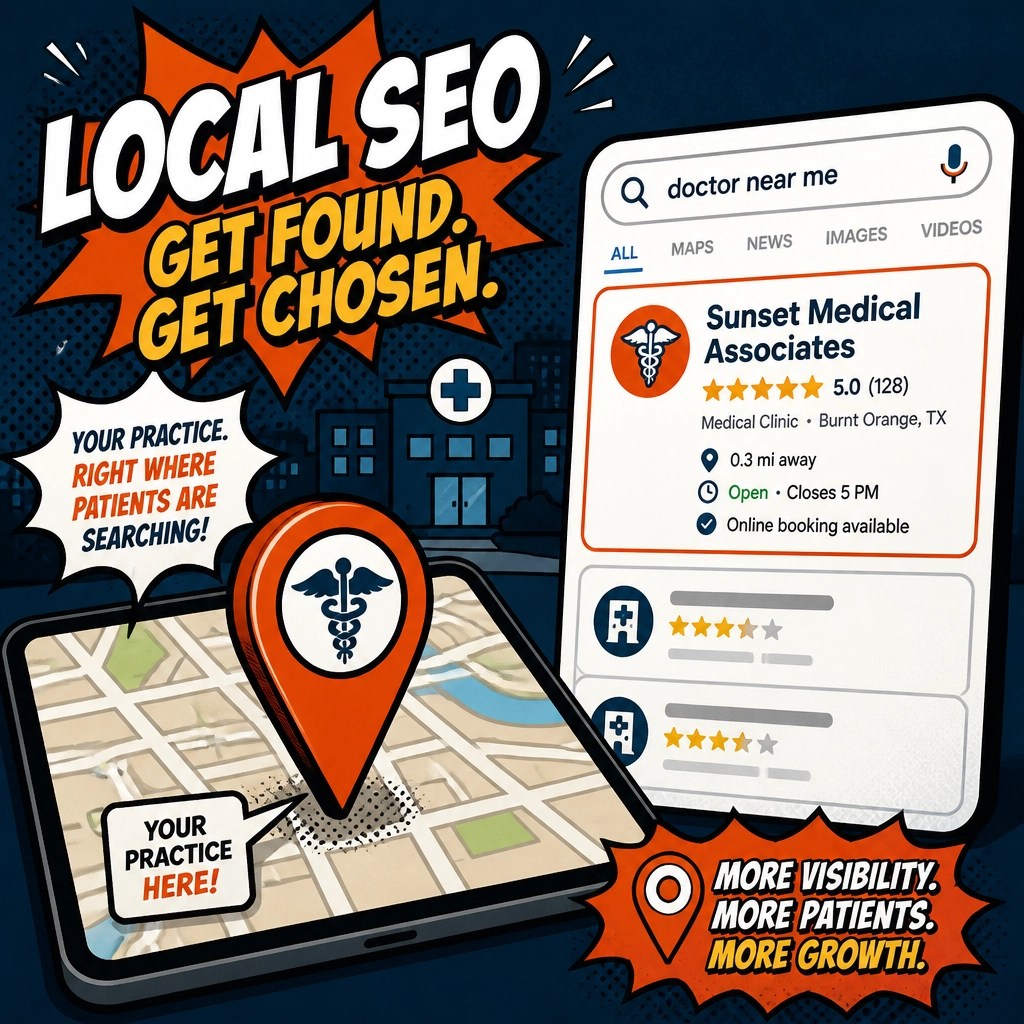
Even the best-designed website is useless if nobody can find it. Local search is the primary way people find doctors today.
Make sure your practice name and address are identical on your website and your Google Business Profile. Encourage patients to leave reviews. When Google sees that you are active and well-regarded in your local area, it is more likely to show your site to people searching for a physician nearby.
Your checklist
Use this list to audit your current site or plan your new one. Each item is a small step toward a more professional and effective digital home for your practice.
Your assignment
Go to your website on your phone right now. Try to find your office address and your booking link using only one hand. If it takes you more than ten seconds to find either, then your site needs a quick fix. Write down the two biggest friction points you noticed and set a goal to address them this week.
Ready to start the conversation about your practice website?
We build medical practice websites around exactly the principles in this guide: clear, fast, and personal.
Start the Conversation